

- The WordPress PHP vulnerability story in 2026 covers three separate exposure layers. Patch the PHP2Shell vulnerability in PHP, update WordPress Core for CVE-2026-119977, and update ACF Extended PRO for CVE-2026-120534 if installed. Inventory versions, test changes, preserve logs if compromise is possible, and don’t treat an update as proof that the site was clean.
- A patch alert can look like one WordPress incident while involving three owners and release channels. How do you identify the affected layer without turning an urgent fix into an outage?
What changed in the 2026 WordPress PHP vulnerability reports?
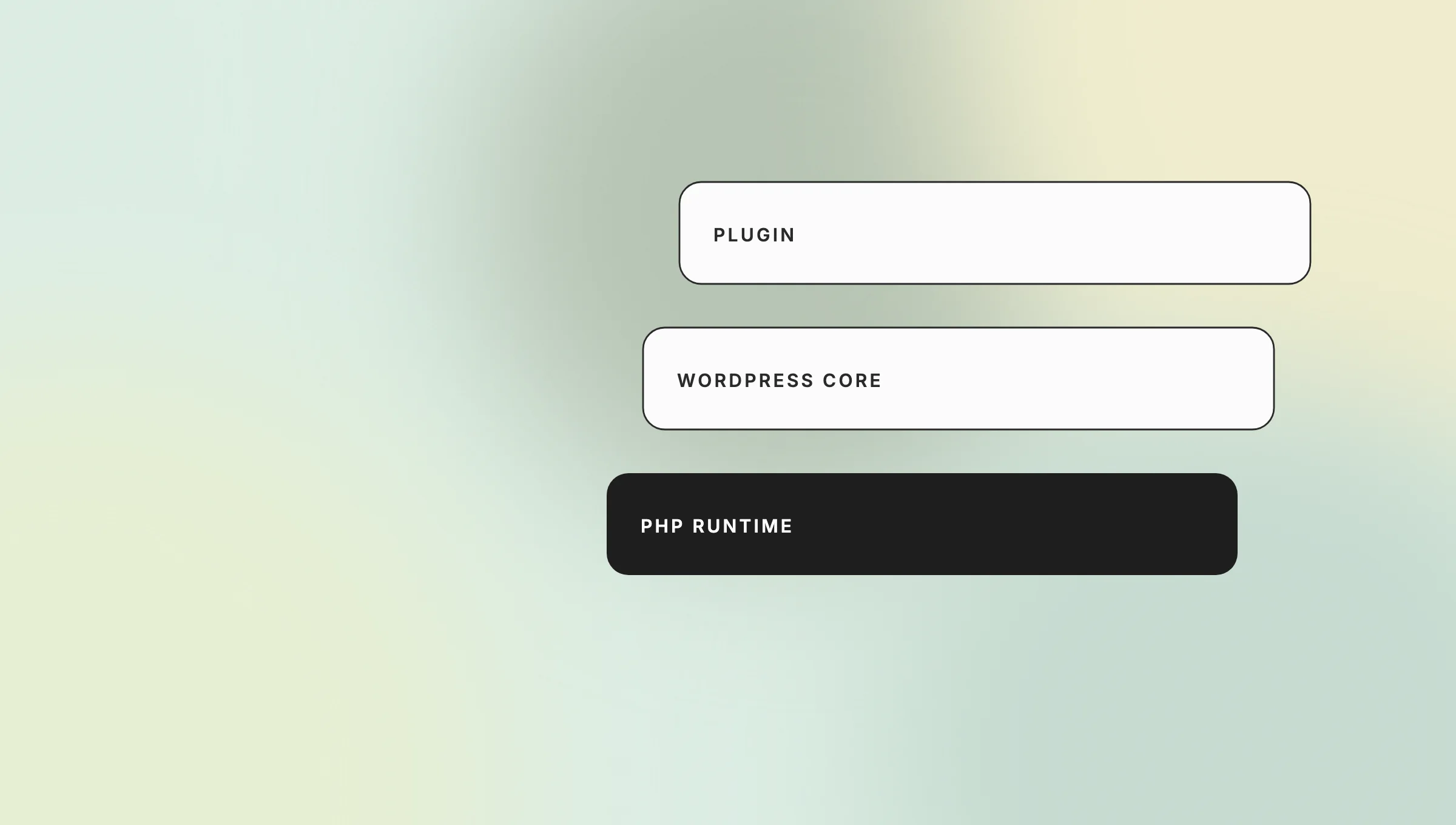
Three distinct remote-code-execution risks reached WordPress operators through the PHP runtime, WordPress Core, and a plugin. Their scores aren’t interchangeable, and a site is affected only when it runs the relevant vulnerable component and version. One update can’t fix all three.
| Layer | Issue | Affected versions | Fixed state | Severity |
| PHP runtime | PHP2Shell vulnerability: CVE-2026-109618 and CVE-2026-109619 | PHP 8.2 before 8.2.35, 8.3 before 8.3.36, 8.4 before 8.4.27, and 8.5 before 8.5.12 | PHP published 8.2.35, 8.3.36, 8.4.27, and 8.5.12 on October 21, 2026 | PHP CNA CVSS v4: 9.2 for each flaw (PHP, NVD 109618, NVD 109619) |
| WordPress Core | CVE-2026-119977 | WordPress 4.7 through 7.1.3 across the ranges listed by NVD | WordPress 7.1.4 is the current-branch security release; maintained older branches received backports | CVSS v3.1: 8.1 (WordPress, October 28, 2026, NVD) |
| Plugin | CVE-2026-120534 in Advanced Custom Fields: Extended PRO | Versions through 0.9.2.6 | Patchstack lists 0.9.2.7 as patched | Patchstack: 10.0; NVD/Wordfence CVSS v3.1: 9.8 (Patchstack, November 3, 2026, NVD) |
The PHP2Shell vulnerability label covers two PHP engine flaws. CVE-2026-109618 concerns request-memory handling after out-of-memory errors, while CVE-2026-109619 concerns stale global state that can survive into later requests. Both can lead to remote code execution, according to the NVD records published on October 21, 2026 (CVE-2026-109618, CVE-2026-109619). Teamvoy’s PHP2Shell vulnerability explainer covers the runtime mechanics and broader PHP response.
CVE-2026-119977 is different. NVD describes predictable, web-accessible staging paths during full-package WordPress Core upgrades, creating an unauthenticated code-execution window in affected releases (NVD, published October 31, 2026). Updating PHP alone doesn’t fix it.
CVE-2026-120534 is different again. Current sources support unauthenticated RCE or code execution in ACF Extended PRO through 0.9.2.6 (NVD, published November 3, 2026).
What still matters about the release now?
The durable idea behind the 2025 release is controlled delegation. Current Claude Code creates a checkpoint before each prompt-started turn and retains file snapshots for the 100 most recent checkpoints in a session, according to the checkpointing documentation.
Use /rewind, or press Esc twice while the prompt is empty, to restore code, conversation, or both. Bash-only file changes, external edits, linked paths, and many subagent edits can remain. Anthropic recommends version control for permanent history and collaboration.
Does the PHP2Shell vulnerability affect WordPress itself?
The PHP2Shell vulnerability sits in the PHP runtime, not in WordPress Core. A PHP2Shell WordPress exposure still exists because WordPress executes on PHP, so a vulnerable server runtime can place the application at risk even when Core and every plugin are current.
This distinction changes ownership. Your platform team may control PHP, the WordPress owner controls Core, and an application team may control plugins. A “WordPress is updated” screenshot answers only part of the question.
A WordPress PHP2Shell review should establish:
- which team can patch, test, and roll back each layer.
- the PHP version and package build serving the production site;
- whether the host backported the relevant fixes;
- the WordPress Core version and security branch;
- whether ACF Extended PRO is installed, active, or present but disabled;
How do you check PHP, WordPress Core, and plugin versions?
Check the live runtime, deployment inventory, and WordPress administration data rather than relying on an old architecture document. Record the result, environment, and timestamp so the response team can prove what it found, which source it trusted, and what changed.
| Component | Practical check | What to record | Owner to confirm |
| PHP runtime | WordPress Site Health, hosting control panel, platform inventory, or deployment metadata | Runtime branch, full package/build string, host, environment | Hosting/platform team |
| WordPress Core | Dashboard update screen, deployment manifest, or managed-host inventory | Core version, update channel, last deployment | WordPress/application owner |
| ACF Extended PRO | Plugin inventory in each environment and deployment repository | Installed and active status, version, source, license/update path | Application or agency owner |
For the wordpress check PHP version task, Site Health may not show whether a host backported the fix. Ask the provider to map its package build to both CVEs behind the PHP2Shell vulnerability.PHP’s live support table listed PHP 8.2 and 8.3 in security-fixes-only status and PHP 8.4 and 8.5 in active support on November 4, 2026. Support status changes over time, so recheck the official PHP table before choosing a target branch.
How do you update PHP on WordPress safely?
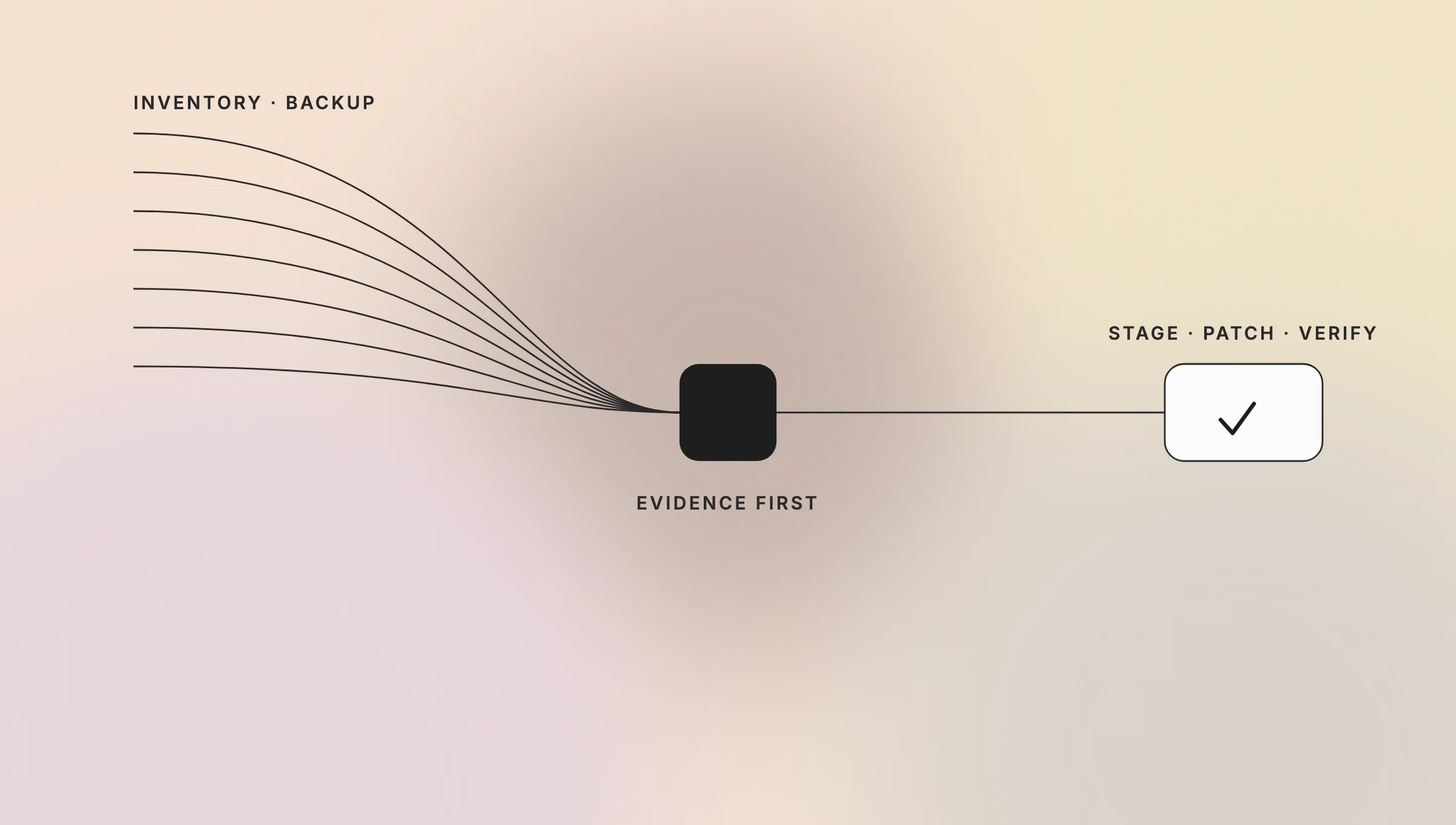
Update through a controlled release sequence across every environment today: inventory, staging, backup, compatibility testing, patching, smoke tests, and rollback readiness. Urgency should shorten decision time, not remove recovery controls or the evidence needed to explain the production change later.
- Freeze unrelated changes. Keep the security release small enough to diagnose and reverse.
- Inventory all three layers. Confirm the production PHP build, Core release, plugins, themes, custom code, and hosting model.
- Preserve evidence first when compromise is plausible. Save relevant logs and deployment records before retention windows or routine updates overwrite them.
- Create a restorable backup. Cover the database, uploaded files, configuration, and deployment artifacts. Test the restore path where feasible.
- Rehearse in staging. Match production PHP settings, extensions, web server behavior, and traffic-dependent integrations as closely as possible.
- Test compatibility. Check login, forms, publishing, scheduled jobs, email, payments, API integrations, and administrative workflows.
- Patch each exposed layer. Apply the host’s package that fixes the PHP2Shell vulnerability, the appropriate WordPress Core security release, and ACF Extended PRO 0.9.2.7 or later where applicable (PHP, October 21, 2026, WordPress, October 28, 2026, Patchstack, November 3, 2026).
- Run production smoke tests. Confirm customer paths, administration, queues, monitoring, and error rates.
- Retain change evidence. Store package versions, timestamps, approvals, test results, and rollback decisions with the incident record.
Patch order depends on exposure and control. An exposed plugin may need isolation before a wider PHP upgrade. If the host can patch PHP without application changes, take that reduction early and document the decision.
What should you check after patching?
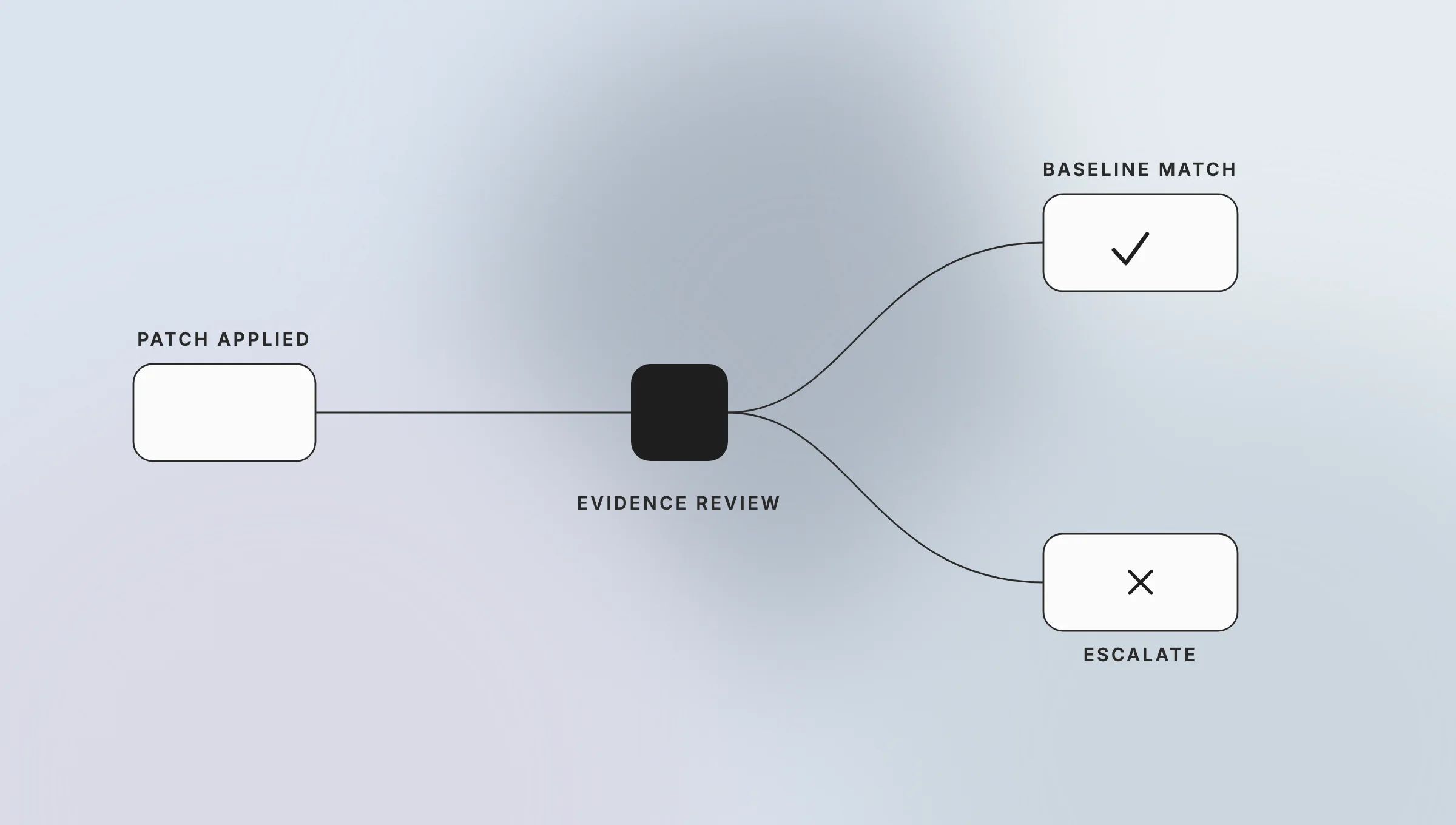
Patching closes a known path; it doesn’t prove that nobody used it earlier. Treat post-patch checks as defensive triage for every environment, compare findings with a known-good baseline, and escalate when evidence, business impact, or uncertainty warrants a formal incident response.
Review:
- web server, PHP, application, WAF/CDN, authentication, and hosting control-plane logs;
- unexpected administrator accounts, API credentials, scheduled tasks, or configuration changes;
- modified PHP files, unfamiliar plugins or themes, and files added to writable directories;
- outbound connections, process activity, redirects, or traffic patterns that differ from the site baseline;
- deployment history and file-integrity results against a known-good release;
- whether logs cover the vulnerable period and whether clocks align across systems.
Absence of obvious indicators isn’t proof of absence. Scanners can miss deleted artifacts or evidence outside their visibility. Teamvoy’s IT audit services can support asset inventory, risk prioritization, and remediation planning, but not guaranteed breach detection.
What should an insurance company do differently?
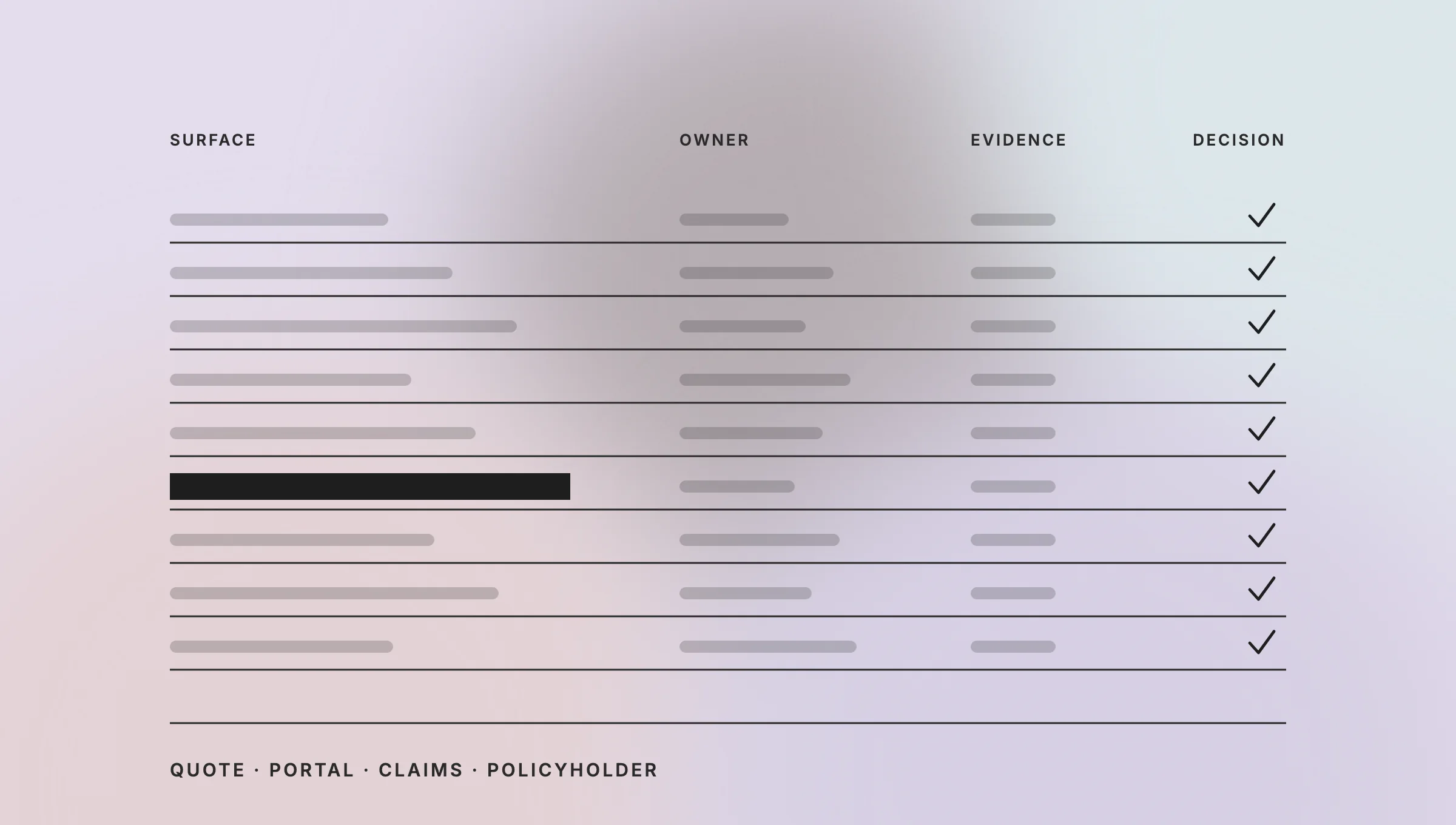
An insurer should connect the technical response to the business process and decision owners behind the WordPress property. A marketing site, quote form, broker portal, claims/FNOL page, and policyholder workflow can have different data flows, vendors, owners, and operational consequences.
| Surface | Immediate operational question | Evidence to preserve |
| Quote or lead form | Does WordPress store data, forward it, or send it to a CRM? | Form configuration, submission logs, integration logs, data-flow map |
| Broker or agent portal | Which identities and sessions could reach the affected system? | Authentication, access, WAF/CDN, and administrator logs |
| Claims or FNOL page | Could an outage or integrity issue interrupt intake? | Availability monitoring, queue records, submissions, change history |
| Policyholder-facing site | Which third parties operate hosting, plugins, identity, or payments? | Contracts, vendor notices, control-plane logs, patch confirmations |
Preserve logs before rotation removes them. Record component versions and patch timestamps. Coordinate hosting, vendors, security, legal/compliance, and the business owner. Separate containment from notification analysis.
The NAIC Insurance Data Security Model Law includes investigation, incident-response, recordkeeping, third-party-provider, and notification concepts in its 2017 model text. It is a model, not automatically the operative law in every state. State adoption, licensee status, thresholds, deadlines, contracts, and regulator guidance vary, so map duties with counsel and compliance rather than applying a universal deadline (NAIC Model Laws, Model 668).
Teams reviewing long-term ownership can use insurance software development for application delivery context and insurance technology consulting for cross-team modernization and governance planning.
What is the managed-hosting trade-off?
Managed hosting can reduce PHP and Core patch operations, but it doesn’t remove plugin inventory, compatibility testing, evidence preservation, or incident ownership. Self-managed infrastructure offers more control over patch timing and forensic access while increasing operational work.
This is the named control-versus-operations trade-off. A managed platform can close ownership gaps but reduce access to low-level evidence or constrain release timing. If legacy plugins block supported PHP versions, application modernization services may address the compatibility debt.
Conclusion
The WordPress PHP vulnerability response is a three-layer job: identify the runtime, Core, and plugin exposure; patch each affected component; test the business paths; and preserve enough evidence to support the next decision. The faster route is accurate ownership, not one blanket update.
Talk to Teamvoy About a WordPress Security Review
A WordPress PHP vulnerability review should inventory the application stack, prioritize remediation, and turn recurring compatibility blockers into a practical plan. Teamvoy supports that work through its IT audit services. If your WordPress estate spans unsupported runtimes, custom plugins, or insurer-facing workflows, contact Teamvoy to define the review scope.
Frequently asked questions about WordPress PHP Vulnerability 2026
These answers separate the September 2025 release from current Claude Code behavior and distinguish official product names from search shorthand. Product details change quickly, so engineering teams should verify the current docs and changelog before updating controls, training, architecture records, or procurement decisions.