

- Separate production phishing protection from employee phishing simulation before building a shortlist.
- Test false positives, missed detections, remediation speed, permissions, and administrator effort in your environment.
- Treat every detection-rate claim as vendor evidence unless an independent, comparable benchmark supports it.
- Native deployment can reduce integration work; broader context can add permissions, tuning, and operating overhead.
- Vendor pricing, data residency, channel coverage, and license boundaries need direct confirmation.
The best AI phishing detection tools are the ones that fit your mail platform, response workflow, data requirements, and team’s capacity to operate them. Proofpoint and Mimecast use email-security gateway models; Abnormal AI emphasizes API-based behavioral analysis; Darktrace learns organization-specific patterns; Microsoft Defender for Office 365 is native to Microsoft 365. This clear, practical guide compares operating models, not an unverified leaderboard.
Which problem are you buying for: stopping malicious messages, training employees, or both? Which platforms must it protect? Who owns alerts after launch? The sections below answer those questions by separating the categories, comparing five operating models, and setting out a measured pilot.
This is a research-based comparison, not a hands-on benchmark. We reviewed official product documents and did not test detection rates, false positives, or response speed.
What is a phishing attack?
A phishing attack is a social-engineering attempt that impersonates a trusted person, organization, or service to steal credentials, trigger a payment, deliver malware, or gain system access. Email remains a common route, but attackers also use SMS, voice, collaboration tools, social platforms, and fake cloud sign-in pages. The message succeeds by making a risky action look routine.
A stolen account can expose records, enable invoice fraud, open connected systems, and trigger reporting work. AI phishing can improve message fluency, but good writing alone doesn’t make an attack work. Identity, timing, access, and the victim’s normal tasks still matter.
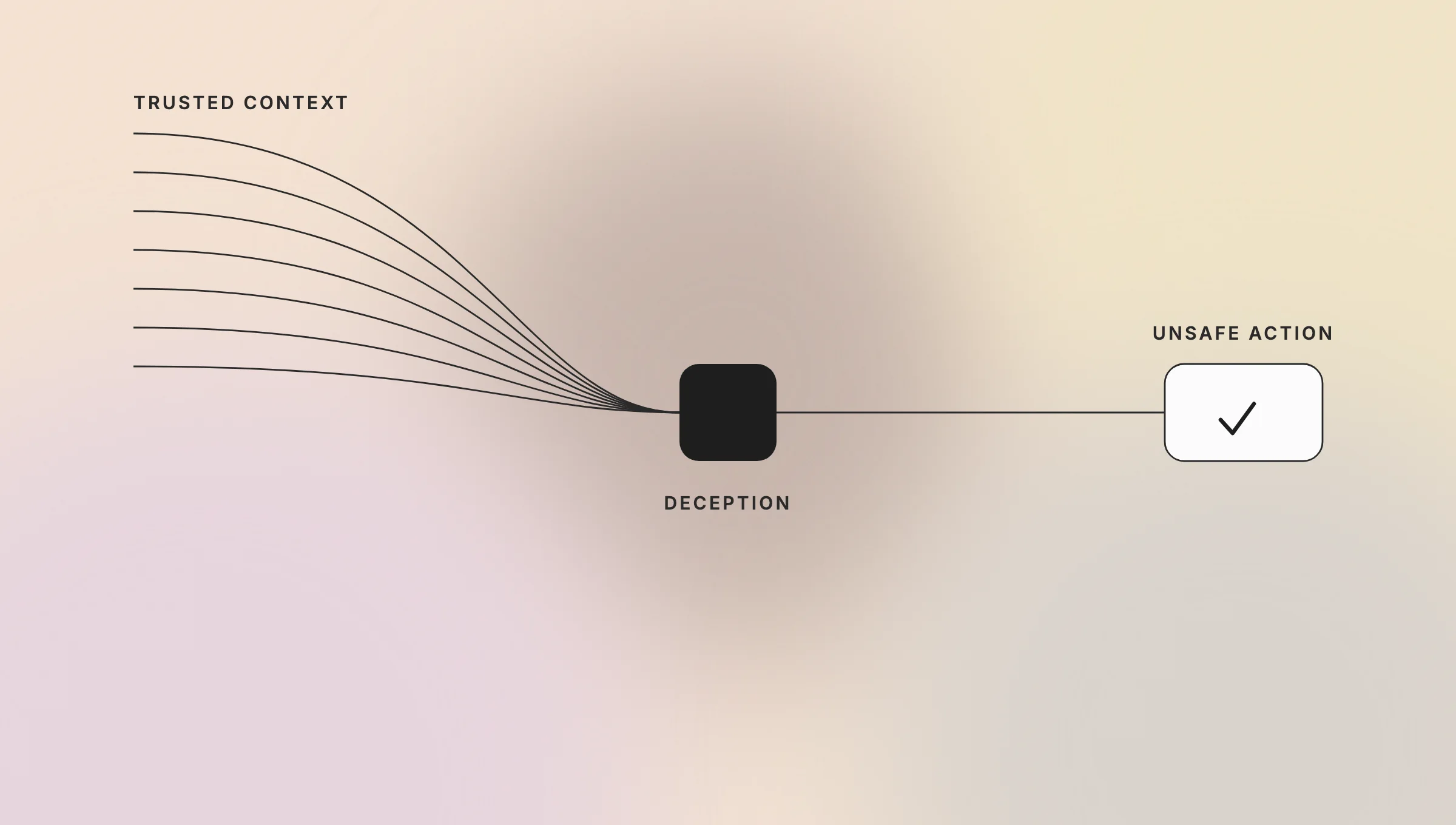
That is why the question what is a phishing attack has a business answer: it is an attempt to turn trust into an unsafe action.
Phishing vs. Business Email Compromise (BEC)
Phishing is the broader attack category; Business Email Compromise is a targeted form of social engineering focused on trusted business identities and transactions. Bulk phishing often seeks credentials or malware execution. BEC usually impersonates an executive, supplier, attorney, or finance contact to redirect money or sensitive information. The overlap is real, but the response and controls differ.
The scale makes that distinction important. The FBI’s 2025 IC3 Annual Report records 24,768 BEC complaints and USD 3,046,598,558 in reported losses for measurement year 2025. Those are reported losses, not an estimate of every incident. This is also the direct answer to what is the difference between phishing and BEC: BEC is narrower, more relationship-driven, and often financially focused.
| Dimension | General phishing | Business Email Compromise |
|---|---|---|
| Typical target | Broad user population or selected individuals | Finance, executives, payroll, procurement, and trusted partners |
| Common objective | Credentials, malware delivery, account access | Payment diversion, invoice fraud, payroll changes, sensitive data |
| Useful signals | Malicious links, attachments, sender reputation, content patterns | Relationship anomalies, unusual requests, payment context, identity impersonation |
| Response priority | Contain message and account exposure | Stop transactions, verify identities, preserve evidence, notify affected parties |
Types of phishing attacks in 2026
The main types of phishing differ by channel, targeting, and the action an attacker wants. Email phishing targets many recipients. Spear phishing tailors a message to one person or team. Smishing uses SMS, vishing uses voice, and collaboration phishing moves the lure into tools such as Microsoft Teams, Slack, or shared cloud documents.
Other forms include credential phishing through fake sign-in pages, account hijacking, supplier impersonation, QR-code phishing, and deepfake-assisted requests. These labels help with threat modeling, but they shouldn’t become a shopping list. A core email license may not cover SMS, voice, or every collaboration surface.
Map the types of phishing that reach your business first. A Microsoft 365 company may focus on identity, mail, Teams, SharePoint, and OneDrive. Mixed mail platforms or heavy supplier traffic may need another model and more context.
How AI detects phishing attacks
AI phishing detection combines message, identity, relationship, behavioral, URL, and attachment signals to estimate whether a communication is suspicious. Models can identify deviations from normal patterns, while deterministic rules block known indicators and enforce explicit policy. Strong phishing protection uses both approaches because models add context, but rules remain easier to audit and control.
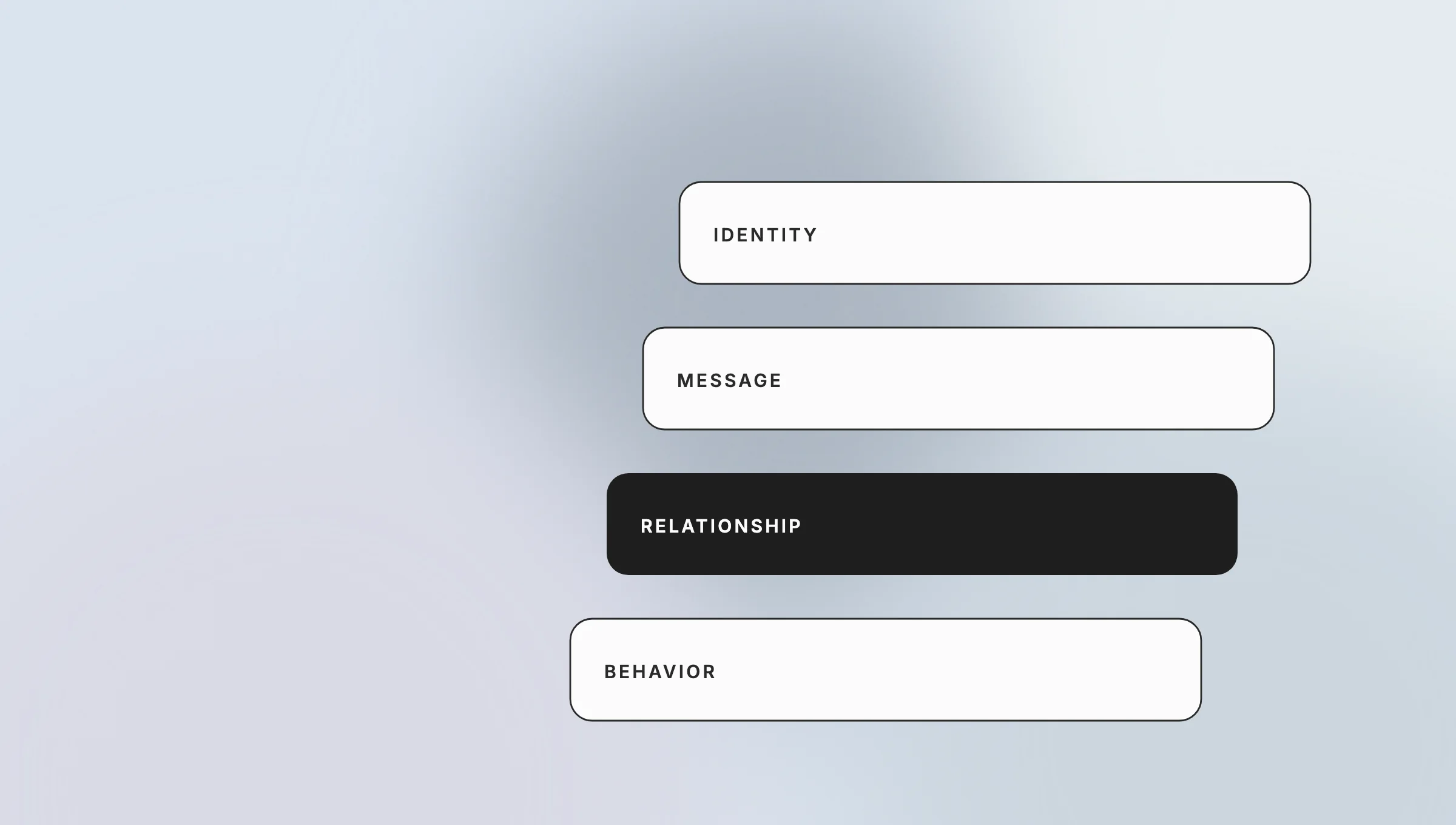
A model might flag a payment request from a new domain because the sender relationship, wording, recipient, and requested action don’t fit normal communication. It might also identify an unusual login page, attachment behavior, or post-delivery change in threat intelligence. The exact inputs and response actions differ by product and license.
AI doesn’t remove the need for operations. Security teams still need clear alerts, escalation rules, remediation controls, audit records, and a process for false positives. A sensitive model can catch more suspicious mail while interrupting legitimate work. A conservative setup can reduce user friction while leaving more messages for people to judge. Similar ownership questions appear with autonomous AI agents.
Phishing detection vs. phishing simulation: which category do you need?
Phishing detection tools inspect or respond to real production communications; phishing simulation platforms send controlled test messages to measure behavior and support training. They solve different problems. Detection aims to reduce exposure and response time. A phishing simulator measures how people react under defined conditions. Many organizations need both, but one can’t substitute for the other.
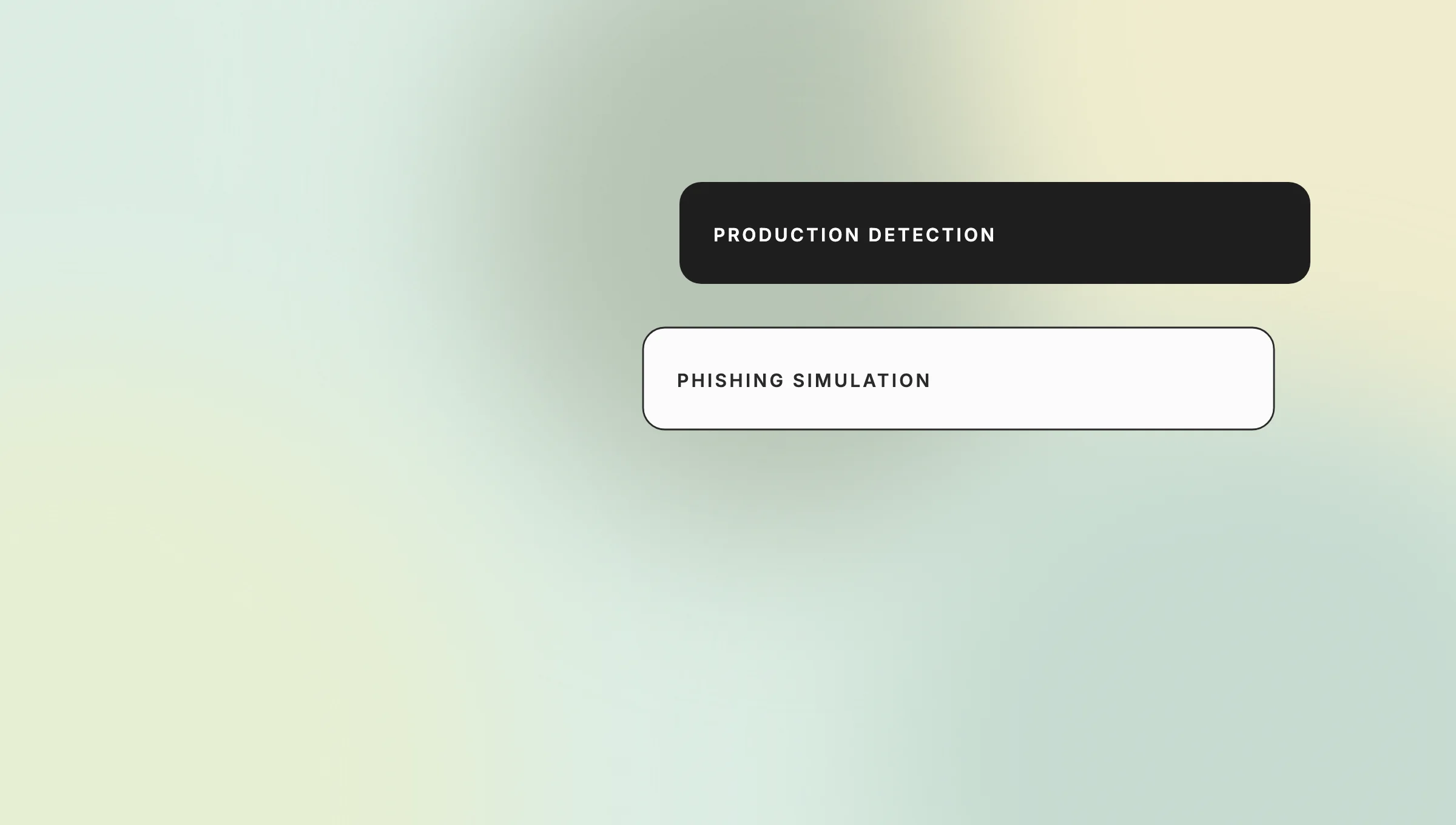
| Category | Production detection and protection | Phishing simulation and training |
|---|---|---|
| Primary purpose | Identify, block, quarantine, or remediate real threats | Run controlled exercises and reinforce user behavior |
| Data needed | Mail, identity, message, link, attachment, and relationship signals | Employee groups, campaign templates, outcomes, training records |
| Typical buyer | Security operations, email security, IT | Security awareness, risk, compliance, HR learning partners |
| Core success metric | Missed detections, false positives, time to triage, remediation time | Reporting rate, repeat behavior, training completion, campaign quality |
| Main risk | Business disruption or gaps caused by weak configuration and coverage | Misleading metrics, employee fatigue, or unsafe campaign design |
Search results often mix phishing simulation with ai phishing detection tools because both address the same threat theme. Treat that overlap as a taxonomy problem, not proof that the products are interchangeable. If the requirement is employee testing, shortlist a phishing simulation platform. If the requirement is production control, compare phishing detection tools first.
How we evaluated the best AI phishing detection tools
We evaluated these products by operating model, supported mail environment, detection approach, workflow fit, and buyer caveat. We did not run a lab test, assign detection scores, or validate vendor efficacy claims. Product facts below come from official vendor documentation and remain vendor claims unless independent evidence supports them.
The comparison uses five practical questions:
- Where does the product sit: gateway, API integration, native platform control, or behavior-led layer?
- Which mail and collaboration platforms does the cited product documentation name?
- What signals and response mechanisms does the vendor describe?
- What permissions, routing, tuning, modules, or operating ownership does the model introduce?
- What must the buyer confirm by license, region, and pilot?
A real shortlist also needs measurable evidence from your environment. Run the pilot as a controlled process:
- Define the protected users, mailboxes, domains, attack patterns, and business workflows.
- Record the current baseline for false positives, analyst effort, triage time, and remediation steps.
- Confirm architecture, API permissions, mail routing, data retention, regional processing, and rollback.
- Test known scenarios and review missed detections without turning a synthetic test into an efficacy claim.
- Measure false positives, user disruption, time to triage, remediation time, and administrator hours.
- Exercise escalation into the SIEM, SOAR, ticketing, identity, and incident-response workflow.
- Document license boundaries, unresolved gaps, owner, decision, and revalidation date.
Start small. Use real mail with safe test cases. Ask staff what blocked work. Check each alert. Track who owns the next step. If the team can’t act on a signal, that signal has little value.
Keep the test fair. Use the same mail set for each tool. Give each team the same time. Log each miss and false alarm. Then make the choice from the full record.
Read the mail. Read the log. Ask who acts. Ask what breaks. If no one can say, the plan is not done.
Best AI phishing detection tools for businesses
The five products below represent different operating models rather than positions in a universal ranking. Proofpoint and Mimecast center on email-security platforms with gateway options. Abnormal AI emphasizes API-based behavioral email security. Darktrace describes self-learning behavioral analysis. Microsoft Defender for Office 365 provides native controls for Microsoft 365. Best fit depends on architecture and operational capacity.
| Product | Operating model | Officially described platform fit | Core approach | Best fit | Caveat to test |
|---|---|---|---|---|---|
| Proofpoint Email Protection | Cloud secure email gateway; hybrid support described | Microsoft 365 and Google Workspace environments | Machine learning, behavioral analysis, sender/content checks, URL and attachment defenses | Teams wanting a gateway-centered email-security platform and modular controls | Confirm modules, SKU boundaries, post-delivery remediation, retention, and collaboration coverage |
| Mimecast Email Security | Cloud email security with gateway and integrated options | Microsoft 365, Google Workspace, and on-premises Exchange across product materials | AI/ML, communication analysis, impersonation/BEC controls, URL and attachment inspection | Mixed estates or teams comparing gateway and integrated deployment choices | Map routing changes, package features, and the operational difference between deployment options |
| Abnormal Cloud Email Security | API-based, cloud-native | Microsoft 365 and Google Workspace | Behavioral AI using identity, relationship, content, and business-context signals | Cloud mail teams prioritizing behavior-led detection without a traditional gateway model | Test API scope, baseline period, remediation actions, module limits, and non-email coverage |
| Darktrace / EMAIL | Cloud-integrated, self-learning | Microsoft 365 and Google Workspace named in official materials | Organization-specific behavioral learning and anomaly detection with response actions | Teams that value behavior-led context and may use the wider Darktrace platform | Test explainability, false positives, response modes, data access, and value outside the wider stack |
| Microsoft Defender for Office 365 | Native Microsoft 365 / Exchange Online protection | Email and Microsoft 365 surfaces, plan and configuration dependent | Anti-phishing, impersonation protection, Safe Links, Safe Attachments, preset policies, threat intelligence | Microsoft-first organizations seeking native administration and workflow fit | Confirm licensing, enablement, exceptions, policy ownership, tuning, and cross-platform gaps |
Proofpoint Email Protection
Proofpoint describes Email Protection as a cloud email-security layer using machine learning, behavior, sender and content checks, plus URL and attachment defenses. It can fit teams that want gateway controls for Microsoft 365 or Google Workspace. The product family is modular, so confirm what the proposed SKU includes.
Mimecast Email Security
Mimecast’s Email Security material covers Microsoft 365, Google Workspace, and on-premises Exchange, with gateway and integrated options. Its fit depends on the chosen design. A pilot should record routing changes, package limits, admin effort, and support for the required response flow.
Abnormal Cloud Email Security
Abnormal AI describes Cloud Email Security as an API-based platform that models identity, relationships, content, and business context. Its official inbound email security page describes protection for Microsoft 365 and Google Workspace. Test permissions, baseline behavior, response controls, and module limits.
Darktrace / EMAIL
Darktrace describes Darktrace / EMAIL as self-learning email security for Microsoft 365 and Google Workspace. It models company communication patterns and can take response actions. Test whether analysts can understand alerts, tune responses, and justify data access. Vendor figures are not independent benchmarks.
Microsoft Defender for Office 365
Microsoft documents Defender for Office 365 as native protection for email and Microsoft 365 work surfaces, based on plan and setup. It includes Safe Links, Safe Attachments, and anti-phishing controls. Native fit can reduce friction, but policies, licenses, exceptions, tuning, and ownership still need clear decisions.
Choosing the right AI phishing detection tool for your business
Choose the tool your team can run under real conditions. Start with mail and work platforms. Then map identity, SIEM or SOAR, tickets, quarantine, review, and user reports. More features don’t fix alerts with no owner or action that ends in a vendor console.
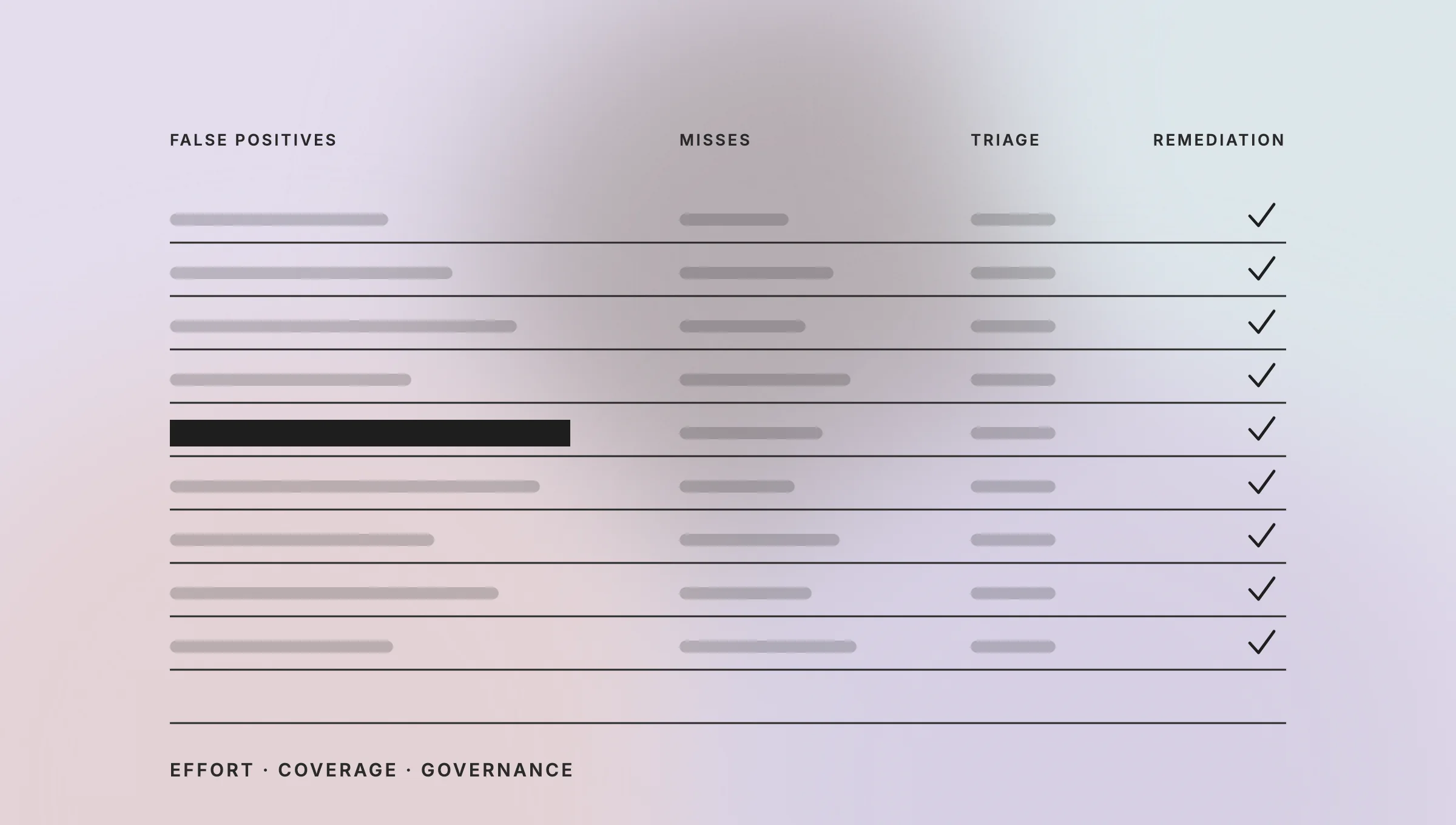
Use a scorecard rather than a sales-demo impression:
| Pilot measure | What to record | Why it matters |
|---|---|---|
| False positives | Legitimate messages blocked or escalated per defined sample | Measures user disruption and analyst noise |
| Missed-detection review | Test and known incident scenarios the tool failed to flag | Exposes coverage gaps without claiming a universal detection rate |
| Time to triage | Minutes from alert to analyst decision | Shows whether context speeds investigation |
| Remediation path | Quarantine, removal, account action, ticket, and evidence flow | Tests whether detection connects to containment |
| Administrator effort | Setup, tuning, exception handling, and weekly hours | Makes operating cost visible |
| Channel coverage | Mail, links, files, identity, collaboration, mobile, voice | Prevents assumptions based on company-level marketing |
| Governance fit | Data location, retention, audit evidence, access, owner | Supports risk and procurement review |
Native Microsoft tooling can reduce integration friction for a Microsoft-first organization. API-based, gateway, or broader behavior-led platforms can add context or deployment choices, but they may also add permissions, routing decisions, modules, and tuning. Buying the broadest platform isn’t automatically safer if the team can’t run it well.
An IT audit can help establish the current architecture, risks, and repair priorities before selection. Regulated teams can also use lessons from banking process automation when mapping approvals and exceptions. Teamvoy’s enterprise AI integration guide covers the wider system questions. If the shortlist is settled but the product must connect to existing apps, data, identity, or work flows, Teamvoy’s AI integration services are the relevant next step.
Frequently asked questions about best ai phishing detection tools
These answers cover the buyer questions that determine category, architecture, platform fit, pilot scope, and operating cost. They don’t replace vendor due diligence. Confirm current licenses, data handling, regional terms, module boundaries, and supported response actions before selecting or deploying any product.