
Your ops lead wants to hand invoice processing to an AI agent by the end of the quarter. One vendor pitch promises a persistent “teammate” that signs into your tools and keeps working while everyone’s asleep. Before you approve a pilot, you need a plain answer to one question: what is Grok Bot, and what does it cost you in control?
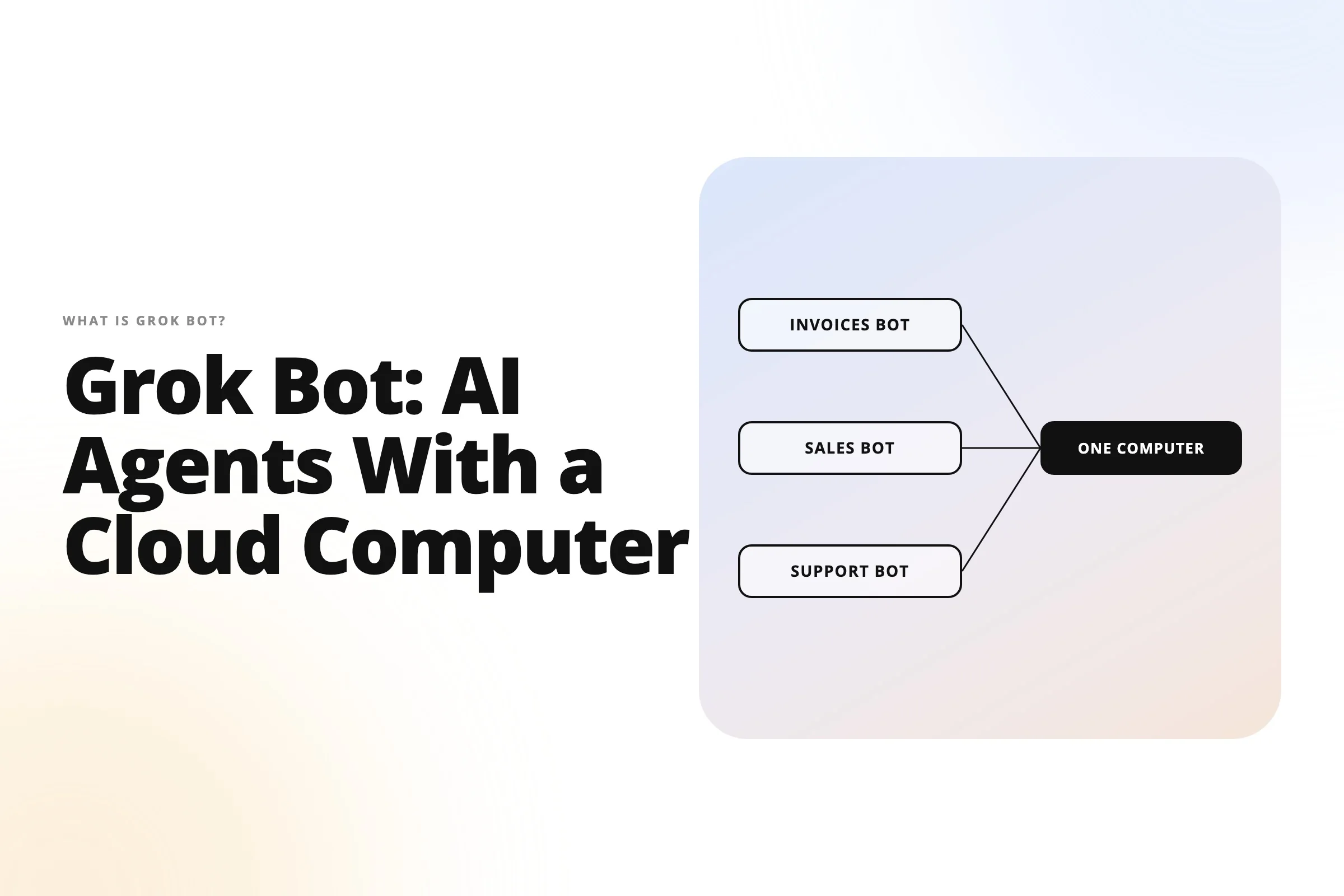
The short answer to what is Grok Bot: it’s a different product from Grok, the chat assistant from xAI (now SpaceXAI, a division of SpaceX, per VentureBeat, August 11, 2026). Grok Bot gives you named, persistent AI agents that run on a cloud computer with a browser, filesystem, and terminal, and finish multi-step work inside your apps. It launched in beta on August 11, 2026, and as of October 2026 it’s included on Cursor’s Premium plan ($30/month) and up. All of one user’s Bots share a single US-hosted computer. Zero setup is the upside; zero perimeter control is the cost.
- Grok Bot needs Premium ($30/month), Super, Ultra, Teams, or Enterprise on The X Subscription; Free and Plus exclude it.
- Every Bot a user runs shares one Firecracker microVM; isolation is per user, so Bots aren't a security boundary.
- Audit logs, Network Controls, and SCIM are Enterprise-only; on-prem hosting and a model picker don't exist.
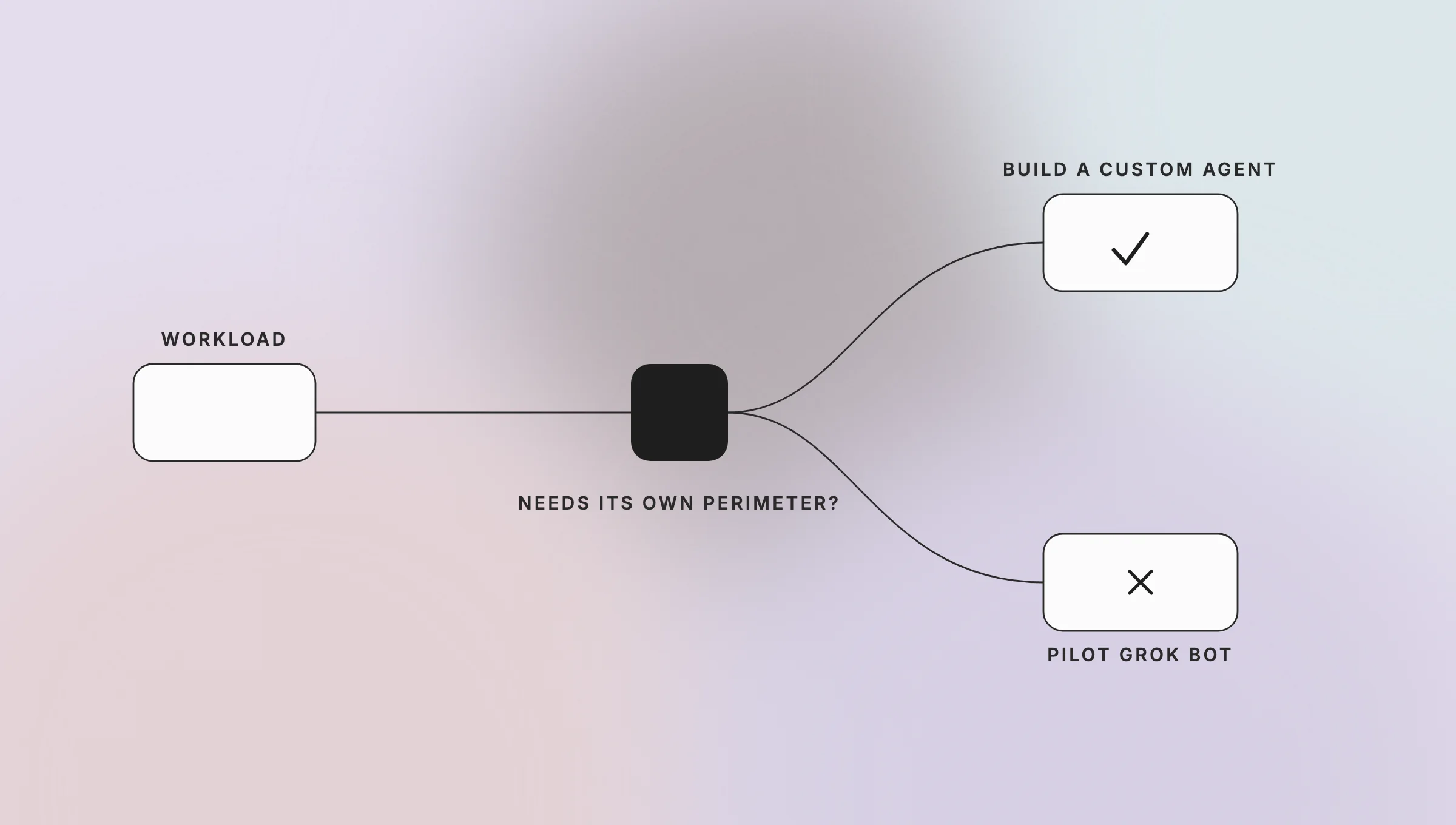
- Pilot it for low-sensitivity ops work; build a custom agent when the workload needs its own perimeter.
What is Grok, and how is Grok Bot different?
Grok is the conversational AI assistant from xAI that answers questions in a chat window, on grok.com and in the Grok and X apps. Grok Bot is an agent product from the same company. You create named Bots and give each one a job; they sign into your tools and complete work on a persistent cloud computer, coming back only for approvals. Cursor Agent is the coding-specific agent inside the Cursor editor.
Most people typing what is grok ai into Google mean the chatbot. The confusion is fair, because all three products now sit on one plan. The X Subscription covers Grok, Cursor, and X under one bill and one shared weekly usage pool, per docs.x.ai, October 2026. Here’s how they differ in practice.
| Grok (chat assistant) | Grok Bot (agent with cloud computer) | Cursor Agent | |
|---|---|---|---|
| What it is | Chat assistant that answers, drafts, and searches | Named, persistent agents that finish multi-step work in your apps | Coding agent that edits code and runs terminal commands |
| Where it runs | A chat window: grok.com, Grok apps, X | One persistent cloud computer per user with browser, filesystem, and terminal | Inside the Cursor editor, with optional Cloud Agents |
| Memory | The current conversation | Role context, preferences, files, and browser sessions persist across sessions | The open project’s codebase |
| Plan | Free and up (limited usage on Free) | Premium ($30/month) and up, Teams, Enterprise | Every Cursor plan (limited on Free) |
| Best for | Questions, drafting, research | Ops, sales, finance, and support work across apps, including tools with no API | Bug fixes, refactors, multi-file edits |
Sources, all retrieved October 2026: docs.x.ai Grok Bot overview, docs.x.ai FAQ, Cursor Agent overview, cursor.com/pricing.
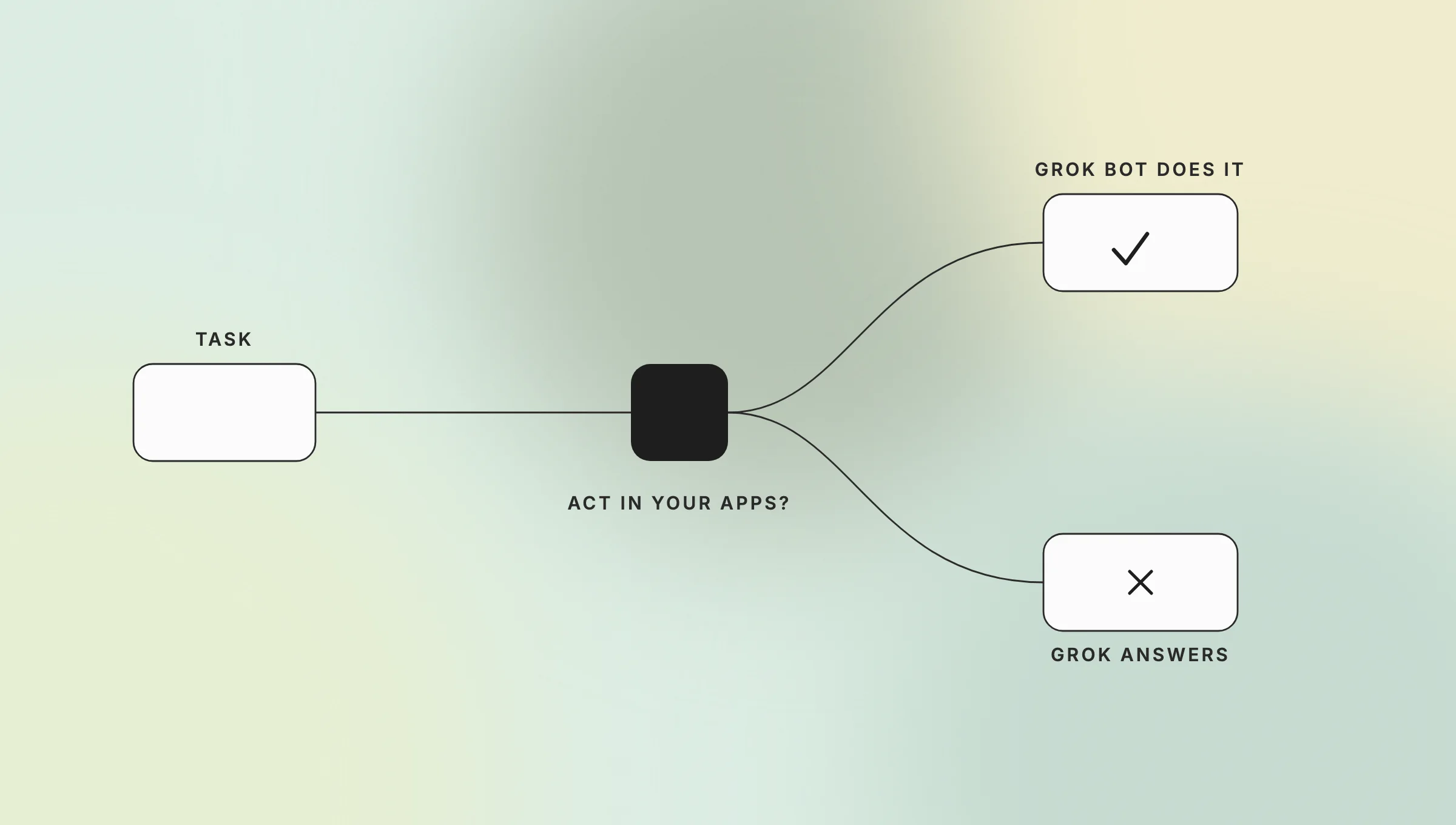
your apps and finishes the work
The docs put the distinction in one line. Bots “can use a persistent cloud computer, connected tools, websites, and files to complete work, not only answer questions” (docs.x.ai FAQ, October 2026). If your team already uses Grok AI for drafting, Grok Bot is the step from “it writes the follow-up email” to “it updates the CRM and sends the email after you approve it.” Our overview of the best AI agents for automating business processes covers where that step pays off.
How does Grok Bot work?
Grok Bot works by giving each user one persistent cloud computer and letting named Bots operate it. You install the desktop app (macOS, Windows, Linux) or the mobile app (iOS, Android), sign in with a Cursor account, create a Bot with a name and a job, and message it a task. The Bot opens a browser, uses app sessions you authorized, finishes the work, and returns for approval on sensitive actions.
- Install and sign in. Download the app from x.ai/bot and sign in with your Cursor account; your existing SSO applies. Accounts on Legacy Privacy Mode must switch settings first, because Grok Bot requires cloud data storage.
- Create a Bot. Give it a short name, one primary job, and a description of how it should work. The docs recommend focused Bots over one catch-all Bot.
- Hand it a task. A strong request names the outcome, the sources, the constraints, the deliverable, and the review point where the Bot should stop.
- Sign in to tools yourself. When a Bot hits a login, two-factor code, or CAPTCHA, it hands the computer to you. You type the credential and hand control back; the browser session then persists for every Bot on your account.
- Approve consequential actions. Auto Review, an independent review model, evaluates shell commands, plugin calls, computer use, and automation writes before they run. It can allow, require approval, or deny.
- Turn stable work into a routine. Walk a Bot through a multi-step path once and it can save it as a skill and rerun it on a schedule. Bots can also run in parallel and hand off tasks in group chats.
Step 4 is the mechanism that matters for your security review. Every Bot a user runs lives on the same computer, so a browser session one Bot opened is available to every other Bot on that account. Between users, isolation is strict: each user gets a dedicated Firecracker microVM with its own kernel, memory, and virtual devices (docs.x.ai, teams and enterprises, October 2026).
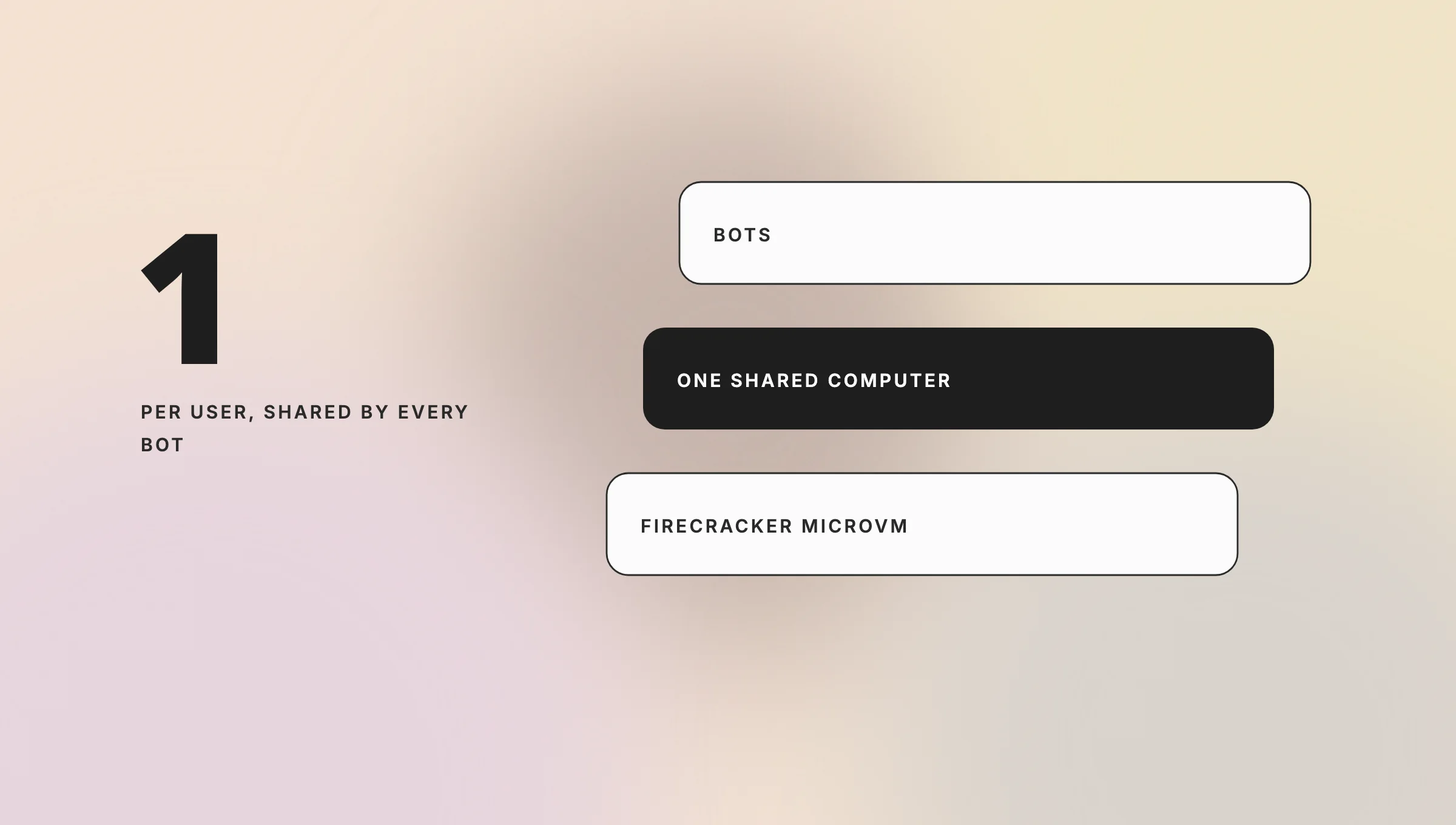
and logins
The launch post says Bots work “across apps, tools, and websites, including platforms with no clean API or MCP” (x.ai, August 11, 2026). That’s the real differentiator against API-first agents: it reaches the legacy SaaS and admin panels nobody instrumented for automation. It also means the Bot is only as reliable as a browser session on a site that may block automation, expire, or demand a human step.
How much does Grok Bot cost?
Grok Bot pricing, as of October 2026, starts at 30permonth.It’sincludedonCursor’sPremium(30), Super (100),andUltra(200) individual plans, on Teams seats from $30 per user, and on Enterprise at custom pricing, per cursor.com/pricing. Free (0)andPlus(8) exclude it. There’s no separate Grok Bot subscription; usage draws from the same weekly pool as Cursor and the Grok apps.
| Plan (The X Subscription) | Price, October 2026 | Grok Bot | Included usage |
|---|---|---|---|
| Free | $0/month | Not included | Limited |
| Plus | $8/month | Not included (Grok models only) | Base |
| Premium | $30/month | Included | 4x Plus |
| Super | $100/month | Included | 15x Plus, priority model access at peak times |
| Ultra | $200/month | Included | 50x Plus |
| Teams | $30+/user/month | Included on every seat | 4–50x Plus, by seat tier |
| Enterprise | Custom | Included | Pooled; adds audit logs, Network Controls, SCIM |
Sources: cursor.com/pricing and docs.x.ai X Subscription pricing, retrieved October 22, 2026. Prices exclude tax and are marked “subject to change” by the vendor.
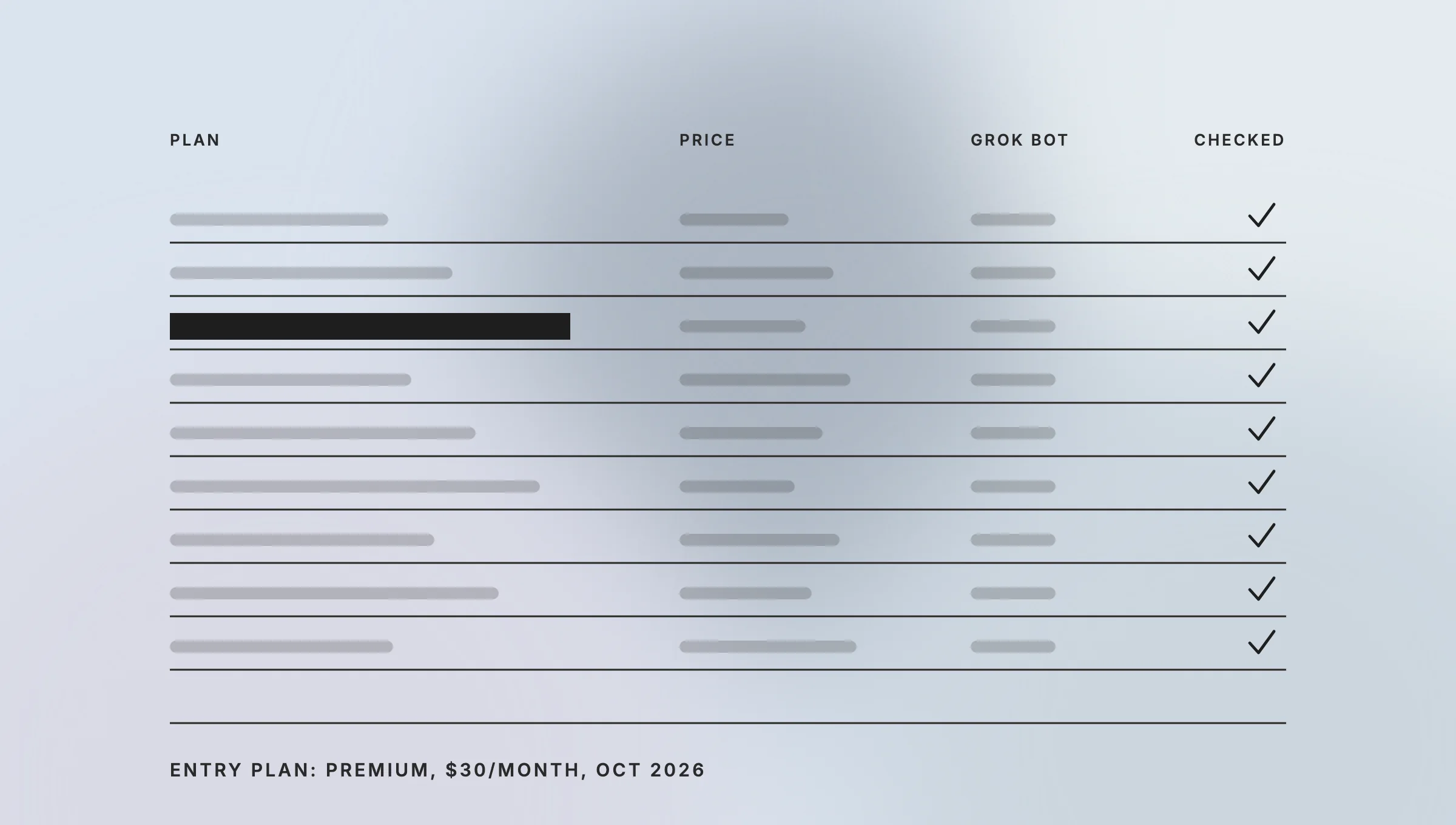
plan at $30 per month and free and plus exclude it
The billing model is the part a CFO should read twice. Cursor’s plans page states: “Grok Bot usage draws from the same weekly pool as Cursor and the Grok apps, not a separate Grok Bot meter. The pool refreshes weekly” (Cursor Docs, Plans and billing, October 2026). Agent steps and tokens draw the pool down, not the number of messages you send. When it runs out, extra usage comes from prepaid credit with a monthly top-up limit you set. So Grok Bot pricing in practice is a seat price plus whatever a nightly routine pulls from the allowance your engineers also spend in the Cursor editor that week.
Two more details matter for budgeting. The free trial is a usage credit with a 7-day window rather than a fixed number of days. Legacy Cursor Pro, Pro+, Ultra, and self-serve Teams subscriptions keep access with a separate weekly grant, as do linked SuperGrok and X Premium+ accounts. Pricing changed once between the August launch and October; re-check before a renewal. Our guide to the cost of AI implementation covers how to model metered usage against a fixed seat price.
Is Grok Bot safe for enterprise data?
Grok Bot is safe enough for low-sensitivity work on a self-serve Teams plan and reviewable for regulated work only on Enterprise. Per docs.x.ai security (October 2026), computers run in the United States, Bots act as the signed-in member with no credentials of their own, and OAuth tokens stay on Cursor’s backend. Anysphere, the company behind Cursor, holds ISO/IEC 27001 and 42001 with Grok Bot in scope. Audit logs, Network Controls, and SCIM are Enterprise-only.
The controls that exist are real: approvals, team-wide Auto Review on Enterprise, SAML SSO on every plan, and no training on customer data with Privacy Mode on. The gaps are equally concrete, and the docs state them plainly. Here’s what Grok Bot is NOT:
- An on-prem option. “Grok Bot runs only on Cursor-hosted cloud computers. On-premises deployment, deployment inside your own perimeter, and bring-your-own-image deployment are not supported today.”
- A model you choose. “Cursor manages model selection. There is no customer-facing model picker, and the serving mix can change over time.” An Enterprise model allowlist exists, but the docs say its enforcement “is not guaranteed.”
- A security boundary between Bots. “The computer is assigned per user, not per Bot. Do not use separate Bots as a security boundary” (docs.x.ai FAQ). Deleting a Bot leaves its files and logins on the computer.
- A data-residency commitment. Computers run in the US today, but Cursor’s US-only data residency program “does not apply to Grok Bot by default.”
- Auditable on self-serve Teams. Audit logs, Action Recording, and OpenTelemetry export are Enterprise-only. Self-serve Teams can’t set a network allowlist and default to allow-all.
Here’s the trade-off, stated plainly. Grok Bot’s speed to value comes from zero setup: one message, one shared cloud computer, vendor-managed models. The price of that is zero perimeter control. You can’t run it inside your network, can’t pin the model, and can’t isolate one Bot’s credentials from another’s. The audit and network controls a security review will ask for sit behind the Enterprise contract. For a mid-market team on a self-serve plan, the honest answer to “can we point it at our ERP” is: only with a member account scoped to what you’d let every Bot on that account touch.
What are the best Grok Bot alternatives?
The best Grok Bot alternatives in October 2026 fall into three groups. Ecosystem agents from the big model vendors (Claude Cowork, Devin), hosted agent platforms with model choice (Construct, Vellum, Agenta), and open-source agents you run yourself (OpenClaw). Each trades Grok Bot’s zero-setup convenience for something it doesn’t offer: admin controls at a lower tier, bring-your-own-model keys, or a deployment inside your own network.
Every price below comes from the vendor’s own page on October 22, 2026; anything we couldn’t verify there is left out.
| Alternative | Plans (vendor page, October 2026) | What it offers that Grok Bot doesn’t | Watch out for |
|---|---|---|---|
| Claude Cowork | Pro, Max, Team, Enterprise; Enterprise is $20/seat/month billed annually plus usage | Org-level enable toggle on Team plans; audit logs and SSO bundled on Enterprise | Claude models only; usage billed at API rates on Enterprise |
| Devin | Free $0, Pro $20, Max $200, Teams $80/month plus $40 per full seat, Enterprise | Cloud coding agents with a team entry point under $500; the old Core and $500 Team plans were retired on April 14, 2026 | Software engineering work only |
| Construct | Lite $9, Starter $59, Pro $299 per month | Bring-your-own-model keys on Pro; scheduled tasks and agent email on every tier | Lite caps at 2 agents |
| Vellum | From $30/month plus a $10/month platform fee | The assistant is open source and can be self-hosted on your own hardware or VPS | Credit-metered usage on top of the plan |
| Agenta | Hobby $0, Starter $29, Business $299 per month; no per-seat price | Cloud or self-hosted; SSO and role-based access on Business | Credit-metered tasks |
| OpenClaw | Open source, free | Runs on your machine with your model keys | You own operations, patching, and security |
The honest read: none of these matches Grok Bot’s “sign into anything with a browser” reach plus a mobile app and a five-minute setup. Each wins on one axis that Grok Bot gives up by design. Pick the axis that matches the workload. For a broader framework, see our agentic AI implementation guide.
Build your own agent: the build-vs-buy fork
Building a custom agent makes sense when the workload needs its own perimeter. That means data that can’t leave your region or VPC, a model you must pin for audit or cost reasons, credentials isolated per process rather than per user, or a system that only exists behind your VPN. Teamvoy builds agents like that: the agent runs where your data lives, logs every action to your SIEM, and uses whichever model your risk team signs off on.
The trade-off runs the other way. You pay for design and integration up front, you own the operations, and a first version takes weeks rather than the five minutes a Grok Bot demo takes. A packaged agent is the right call when none of the perimeter conditions above apply.
Conclusion
The question what is Grok Bot has a short answer and a longer consequence. The short answer: persistent AI agents from xAI that run on a shared, US-hosted cloud computer, sign into your tools, and finish work while you’re away, starting at $30 per month as of October 2026. The consequence: you get that speed by giving up the perimeter. For low-sensitivity ops, sales, and support workflows on a Teams or Enterprise plan, it’s a credible pilot today. For anything that needs its own network, a pinned model, or per-process credential isolation, build an agent you control. Talk to Teamvoy About Custom AI Agents. If a workflow on your list fails the perimeter test, Teamvoy can scope a custom agent that runs where your data lives and logs every action to your own systems. Start with a 30-minute architecture conversation through our AI agent development services.